
For boutiques
Boutique software for stitching orders and ready-made sales
A boutique takes custom orders and sells from the rack. Keep every client's measurements and design photos with their order, keep trial and delivery dates, and sell ready pieces with barcodes.
Free plan, no card needed. Works on phone, iPad and computer.
What you can do
Your own garments and fields
Add blouse, kurti, lehenga or anything you stitch, with the measurement fields you use, in the order you take them.
Design photos on the order
Attach a photo of the design, the fabric or a reference picture, so the details stay with the order.
Style notes
Tick the style details for each garment, and add your own, so the karigar knows exactly what to make.
Trials and deliveries
A calendar of every trial and delivery date, so nothing is promised twice and nothing is forgotten.
Measurements that are never lost
Each client's measurements are saved per garment, with fractions. Edits keep the earlier ones as history.
Ready-made pieces too
Switch on the clothing part to sell from the rack, with sizes, colours and barcode labels.
One client, one history
Stitching orders and ready-made purchases appear on the same client page, with everything they still owe.
Advances and bills
Take an advance, collect the balance at delivery and print a bill with your tax, or a small receipt.
Voice measurements · beta
Try it: speak a customer's measurements
Measure the customer and say the numbers out loud, in English, Hindi, Gujarati or Spanish. Fractions like a half and a quarter work too.
Voice is in beta and still being tested. It will mishear words for now, so it will not work as well as it should yet. Everyone can still try it, here and in the app.
Say for example: “chest 40, waist 36 and a half, sleeve 24 and a quarter”
Nothing you say is saved. How voice handles your audio is explained in our privacy policy.
Length
—
Chest
—
Waist
—
Shoulder
—
Sleeve
—
Collar
—
Order ORD-0142
Rahul Shah · Shirt
- Length
- 28 1/2
- Chest
- 40
- Waist
- 36
- Shoulder
- 18
- Sleeve
- 24 1/4
- Collar
- 15 1/2
How it works
- 1
Set up your garments
Add the garments you stitch and their measurement fields.
- 2
Take the order
Measurements, design photo, style notes, trial date and advance.
- 3
Deliver and bill
Collect the balance and print the invoice.
Coming soon
Not in the app yet. We are building these next.
- Several devices and staff logins for one shop
- A version for computers that works with no internet
- Screens in Hindi and Gujarati
Guides for boutiques
Shirt and Pant Measurement Chart for Tailors
Which measurements to take for a shirt and a pair of trousers, how to take each one, and how to record them so every repeat order fits.
Tailor Order Book: What to Record for Every Order
The details a tailoring shop should write down for every order, so nothing is forgotten between booking, trial, delivery and payment.
How Tailors Can Keep Every Delivery Date
A simple way for tailoring shops to plan trials and deliveries, avoid overbooking busy days, and stop customers coming back for garments that are not ready.
Boutiques: questions and answers
Is it boutique management software?
Yes. Loomton keeps your clients, their measurements, stitching orders with design photos, trial and delivery dates, ready-made stock and bills in one place.
Can I add my own garments, like blouse or lehenga?
Yes. Shirt and pant are set up for you. Add any garment with its own measurement fields, rename fields and drag them into the order you take them.
Can I sell ready-made pieces as well?
Yes. Switch on the clothing part in Settings next to tailoring. Ready pieces get sizes, colours and barcodes, and clients stay in one list.
Where is my data stored?
In your own account, online. You sign up with an email and password, and your customers, orders, stock and bills are saved to a secure database as you work. Only you can see your shop's data. You can also download a full backup file or export spreadsheets at any time.
How much does it cost?
There is a free plan for small shops, with no card needed. Pro plans for shops that need more are shown on the pricing page (loomton.com/pricing), paid monthly or yearly. Early users keep a lower price.
Which devices does it work on?
It runs in the browser on phones, iPads, Android tablets and computers. There is nothing to download: open the website, sign in and use it. You need an internet connection.
Does your shop do more?
Fabric shops
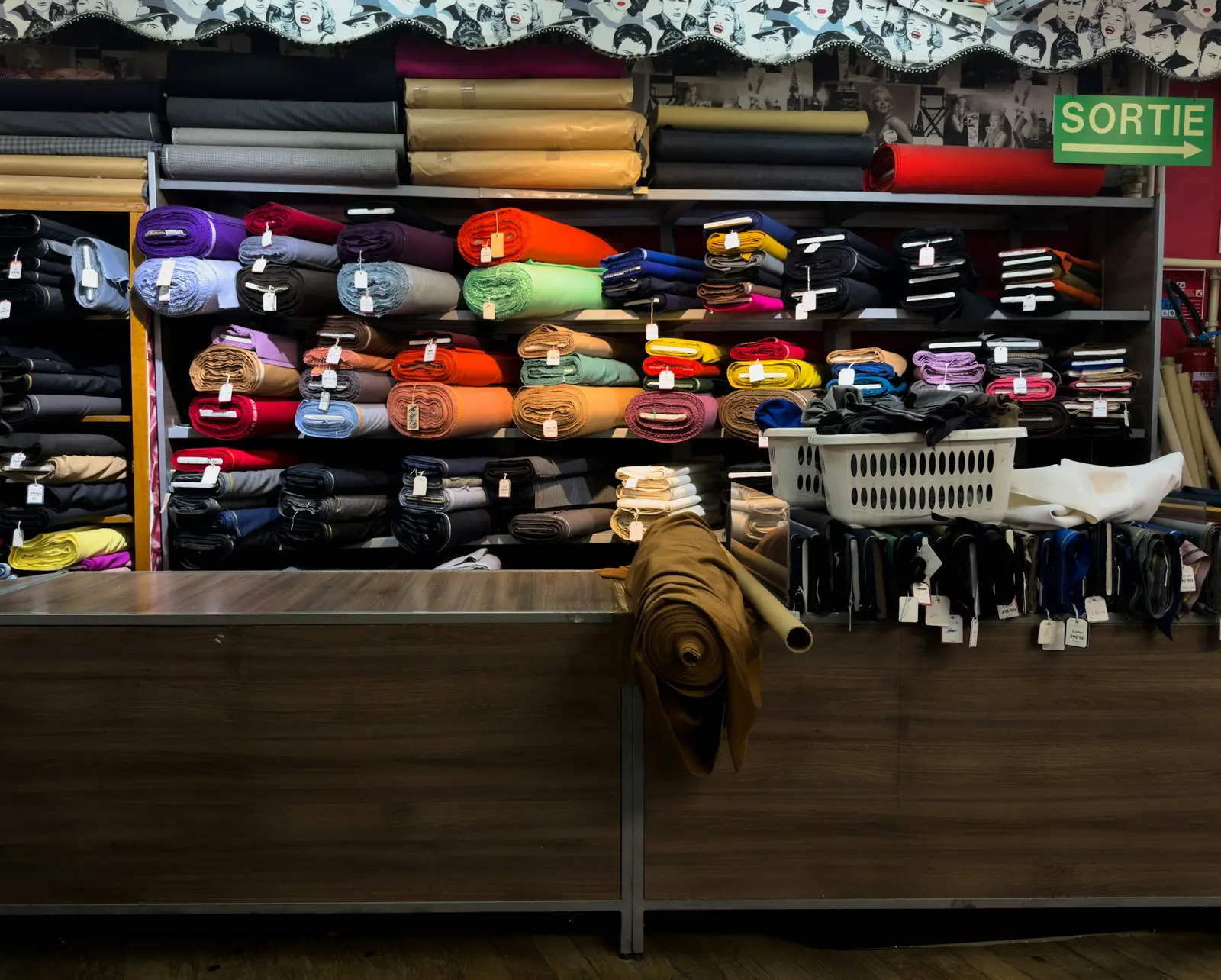
Fabric Shop & Cloth Store Software
Know exactly how many metres are left on every roll. Record purchases from suppliers, sell 2.75 m without doing sums in your head, and get warned before you run out.
Clothing stores
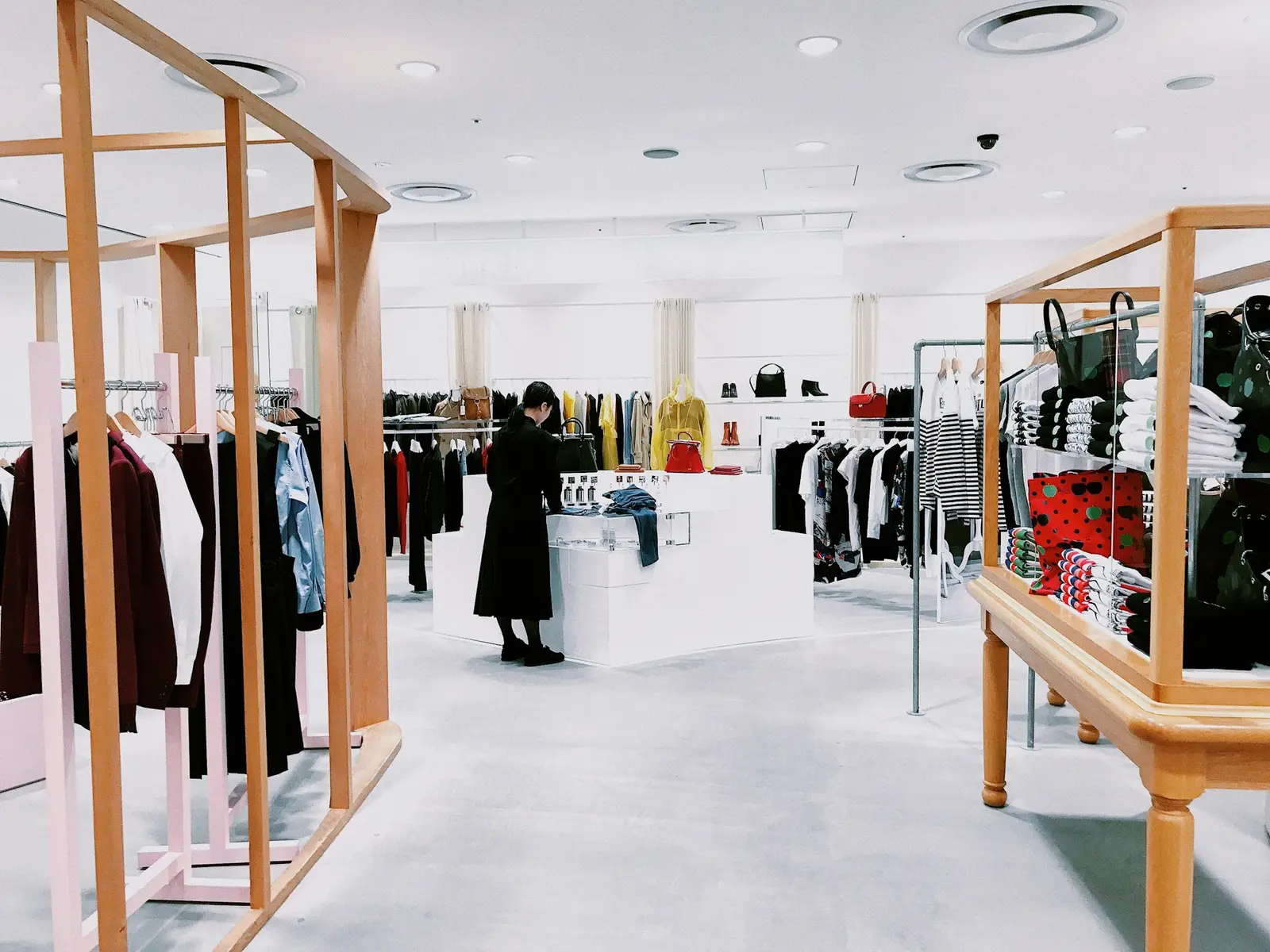
Clothing Store & Retail Shop Software
Give every size and colour its own barcode, scan it with your phone camera at the counter, and watch stock go down as you sell.
Try it in your shop today
Start on the free plan. No card, nothing to install. Open it and add your first customer.
Start free